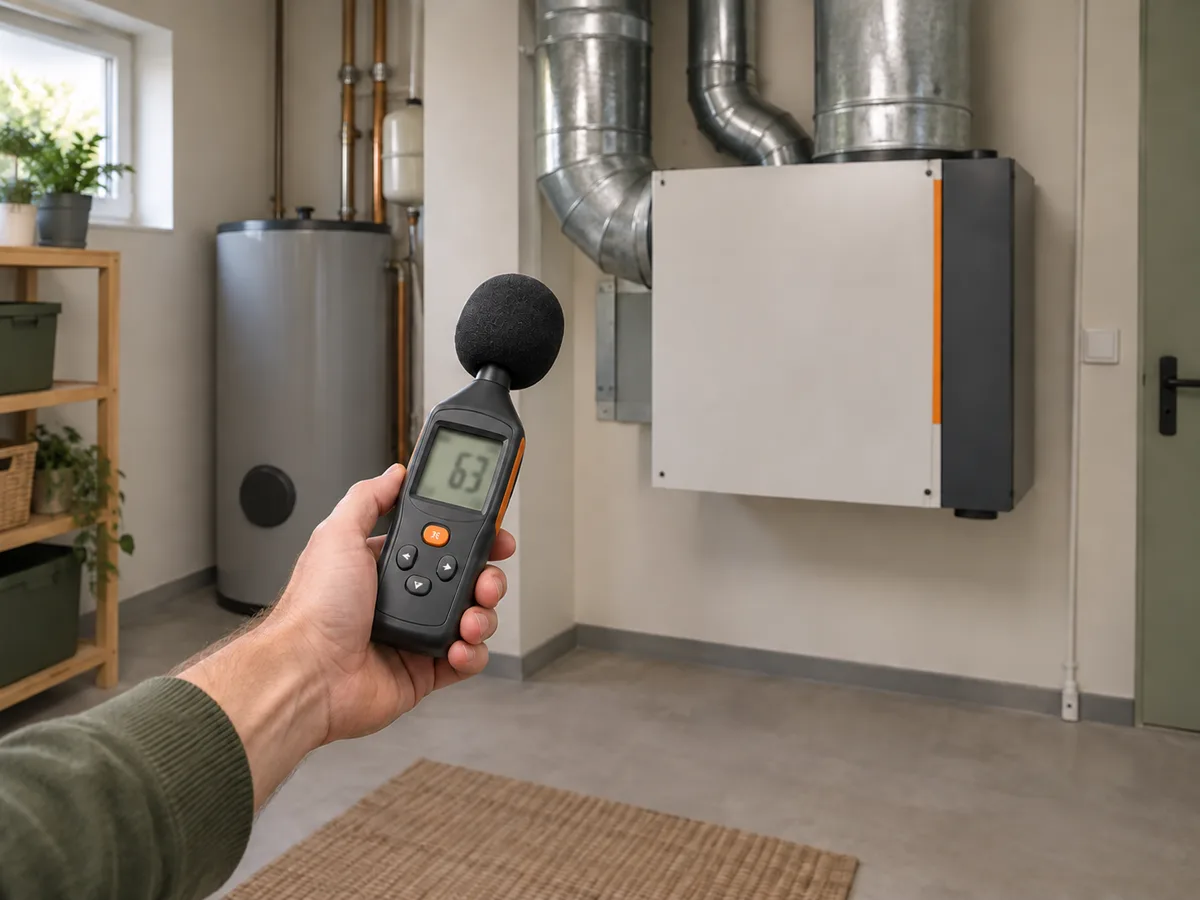
A REPEATABLE METHOD
How to use it
- Select the required weighting and time response—commonly A-weighting with Fast or Slow—and record the choice.
- Fit the windscreen, keep the microphone away from your body and place it at a repeatable height and distance from walls and the source.
- Measure the background with the equipment off, then repeat with one known operating mode active.
- Allow fluctuating sources to run long enough; record minimum, maximum and equivalent level if the meter supports it.
- Repeat in the same position and conditions after any repair, enclosure or speed change.
INTERPRET THE MEASUREMENT
How to read the result
- A change of about 3 dB represents roughly twice or half the sound energy, not twice the perceived loudness.
- A-weighting approximates human sensitivity for many general assessments; low-frequency equipment may also need C-weighted or frequency-band analysis.
- Fast, Slow, maximum and Leq answer different questions and should not be compared as if they were identical.
TROUBLESHOOT THE METHOD
Common problems and what to check
Problem
The reading jumps constantly.
What to do
Use Slow response or Leq over a stated interval, remove wind and handling noise, and keep the microphone position fixed.
Problem
A phone app gives a different value.
What to do
Phone microphones, cases and gain control vary. Calibrate the app against a known meter or use it only for relative checks.
Problem
The level is modest but the noise remains annoying.
What to do
Look for tonal hum, vibration, impulsive events and low-frequency transmission. One broadband dBA number does not describe every nuisance.
STOP BEFORE THE HAZARD
Safety boundary
- A meter does not protect hearing. Leave hazardous areas and use suitable hearing protection according to local rules.
- Do not reach into running machinery, remove acoustic guards or stand in unsafe traffic or plant areas to improve a reading.
- Legal, occupational and property-boundary assessments require the specified regional method and calibrated equipment.
SMART BUYING GUIDE
What to look for when choosing
- For home troubleshooting, look for A/C weighting, Fast/Slow response, useful low-level range and a standard calibrator fit.
- Leq logging is worth paying for when noise varies over minutes or hours; a simple maximum display is enough for rough comparisons.
- Choose a compliant Class 1 or Class 2 meter only when the project or regulation actually requires it.
Types of tool
Best for: Quick relative comparisons after calibration.
Best for: Household diagnostics and equipment comparisons.
Best for: Logged exposure, environmental and professional surveys.
Common functions
A and C frequency weightingFast and Slow responseMinimum and maximum captureLeq integrationLogging and calibrator support
Worth paying more for
- A useful low-noise floor and stable microphone
- Leq logging for variable sources
- Calibration support and the required instrument class
Usually not worth the extra cost
- A professional class for casual before-and-after checks
- Very high maximum range for quiet residential work
- Color displays that add no measurement capability