A REPEATABLE METHOD
How to use it
- Find the exact assembly instructions: fastener identity, torque with units, thread condition, tightening sequence and any replacement requirement. With no applicable specification, stop rather than choose a value from bolt diameter alone.
- Check the wrench’s stated working range, calibrated direction and inspection history. Inspect the drive and a correctly fitting socket; use another suitable tool for loosening. A reversible ratchet does not by itself confirm calibrated tightening in both directions.
- Set the specified value using the model’s scale or display and lock it as instructed. Engage the socket fully. Norbar’s linked demonstration shows the setting, lock and marked hand position for its Professional model; other models differ.
- For a click-type model, pull smoothly at the specified handle position in the permitted direction and stop at the first release signal. Do not keep pulling or add repeated clicks to “make sure”. Follow the assembly’s sequence, not a generic pattern from this page.
- Record the specification reference, units, setting, fastener locations and wrench identity. Store and service according to its manual; adjustable spring models commonly specify the lowest marked setting, not below the scale. An unexpected result or dropped tool needs assessment before reuse.
INTERPRET THE MEASUREMENT
How to read the result
- Fictional unit check only: 12 N·m = 1200 N·cm, not 12 N·cm. A setting copied with the wrong unit can differ by a factor of 100. Neither number is a recommendation for your fastener.
- A click-type wrench signals reaching its setting under the specified operating conditions; its scale is not a record of the actual peak torque after you continue pulling.
- A smooth-looking joint and one click do not establish bolt tension, thread integrity or compliance. The thread condition and assembly procedure belong to the manufacturer’s specification.
- Keep a record of model/serial, verified range and direction, service/check date, specification revision, setting and units, joint identity and anomalies. Do not record an invented measured peak for a click-only tool.
TROUBLESHOOT THE METHOD
Common problems and what to check
No signal appears at the expected stage.
Stop. Check units, range, direction, setting and the assembly instructions without increasing the setting. Do not keep pulling until something gives.
The wrench clicked before the fastener visibly moved.
Do not treat this as a measurement of the original installation torque. Obtain the maker’s verification or reassembly procedure; do not loosen a safety-critical joint just to test it.
The tool was dropped, overloaded or its history is unknown.
Remove it from precision work and arrange the appropriate inspection/check or calibration. A comparison with another unknown wrench is not traceable calibration.
STOP BEFORE THE HAZARD
Safety boundary
- Do not invent settings for structural, pressure, electrical or safety-critical connections; use a competent service provider where required.
- Keep a stable stance and fingers clear of pinch points. Do not jerk, strike, use an impact driver on the wrench or add a pipe to its handle.
- Offset accessories can change the effective geometry. Use only an approved arrangement and its documented correction; this page supplies no universal adapter rule.
SMART BUYING GUIDE
What to look for when choosing
- Choose for the actual specified torque and usable range, not only drive size or the largest maximum value.
- Check calibrated directions, scale readability, socket access and locally available verification/service.
- A certificate must match the tool and relevant conditions; more display digits are not proof of better accuracy.
Types of tool
Best for: A clear release signal at a set value; stop promptly, without expecting a peak log.
Best for: Jobs needing documented indication or logging when the exact tool and procedure support it.
Common functions
Worth paying more for
- A suitable verified range and readable controls.
- Reliable local checking and model-specific instructions.
Usually not worth the extra cost
- An oversized range that does not cover small required settings properly.
- Logging features when the required task only needs a controlled setting and a written record.
Sources & instructions
- Tohnichi — torque wrench usage, accessories and storage (English)
- Norbar — Professional Series operation demonstration, model-specific (English)
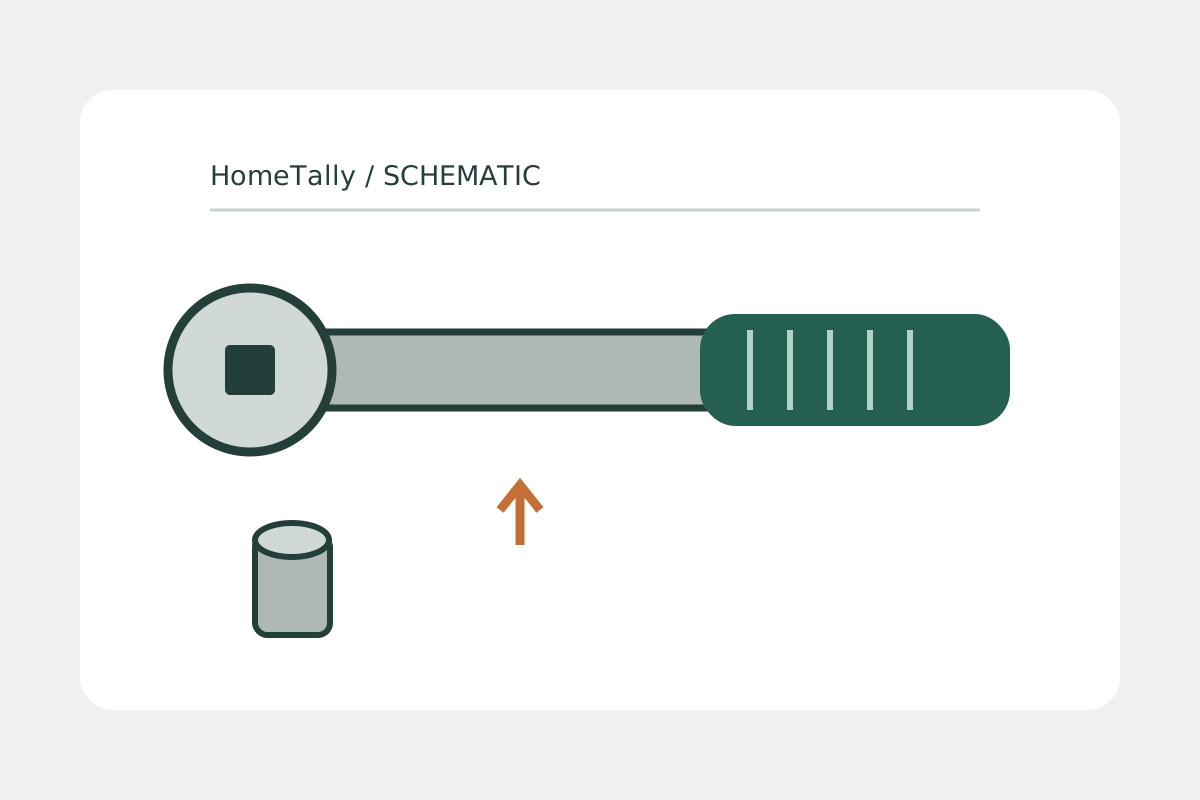
Original schematic, not a photograph, working scale or fastening specification.