A REPEATABLE METHOD
How to use it
- Create a useful temperature difference: for envelope checks, indoor and outdoor temperatures should be stable and meaningfully different.
- Record emissivity, reflected apparent temperature, camera-to-target distance and lens/focus settings according to the model manual. Do not copy default settings to every material; shiny surfaces can reflect the surroundings.
- Scan a broad area first, then focus on the suspect spot and compare similar surfaces. Check that the target fills the required measurement area at that distance for the actual camera and lens; a visible detail is not necessarily large enough to measure.
- Change the viewing angle. A hot or cold patch that moves with the camera may be a reflection.
- Save the original thermal image, a visible-light context photo and the measurement settings. Confirm the suspected cause independently: for possible dampness, use a material-appropriate moisture check rather than treating a cold patch as proof of water.
INTERPRET THE MEASUREMENT
How to read the result
- The color palette is relative to the selected scale; bright colors do not automatically mean dangerous heat.
- Surface temperature is not the same as the temperature inside a wall or pipe.
- A repeatable shape tied to construction details is more useful than one isolated pixel value.
- A small target can share the sensed area with its background and give a mixed temperature. Digital zoom only enlarges existing pixels; it does not improve the native measurement spot. Follow the camera/lens measurement-size specification and minimum focus distance, not just the screen crosshair.
TROUBLESHOOT THE METHOD
Common problems and what to check
Windows and metal show the room or the operator.
Change the viewing angle and check emissivity and reflected apparent temperature. Do not assign the temperature of a nearby matte surface to the shiny target: the two surfaces may not be at the same temperature. If the setup cannot support a reliable reading, report the pattern and limitation instead of a precise target temperature.
The whole image changes color while scanning.
The camera may be auto-scaling. Lock a sensible temperature span before comparing two areas.
A cold patch appears only in windy weather.
Suspect air leakage as well as insulation. Inspect seals and confirm under repeatable conditions.
STOP BEFORE THE HAZARD
Safety boundary
- Keep clear of exposed electrical parts, hot surfaces and moving machinery while concentrating on the screen.
- Do not remove covers from energized equipment just to obtain an image.
- Treat a thermal anomaly as evidence for investigation, not permission to touch or dismantle equipment.
SMART BUYING GUIDE
What to look for when choosing
- Thermal resolution and a focus system usually matter more than a very wide advertised temperature range.
- Choose adjustable emissivity, manual span control and a way to export original images with measurement data.
- Check field of view, native detector resolution, minimum focus distance and the measurable target size at the intended distance. A wide view can suit a room while leaving small components too poorly resolved for temperature measurement.
Types of tool
Best for: Occasional surveys when compact size matters.
Best for: Fast whole-room scans at normal distances.
Best for: Small details, electrical inspection and documented comparisons.
Common functions
Worth paying more for
- Real detector resolution rather than enlarged display pixels
- Manual focus for terminals and small defects
- Exported images that retain temperature data
Usually not worth the extra cost
- Extreme high-temperature range for ordinary homes
- A large number of color palettes
- Software upscaling presented as sensor resolution
Sources & instructions
- FLIR — measurement distance, target coverage and why digital zoom does not improve the measurement spot
- FLIR T10xx manual — model-specific example: emissivity, reflected temperature and measurement parameters
- FLIR — thermal moisture patterns require independent moisture-meter confirmation
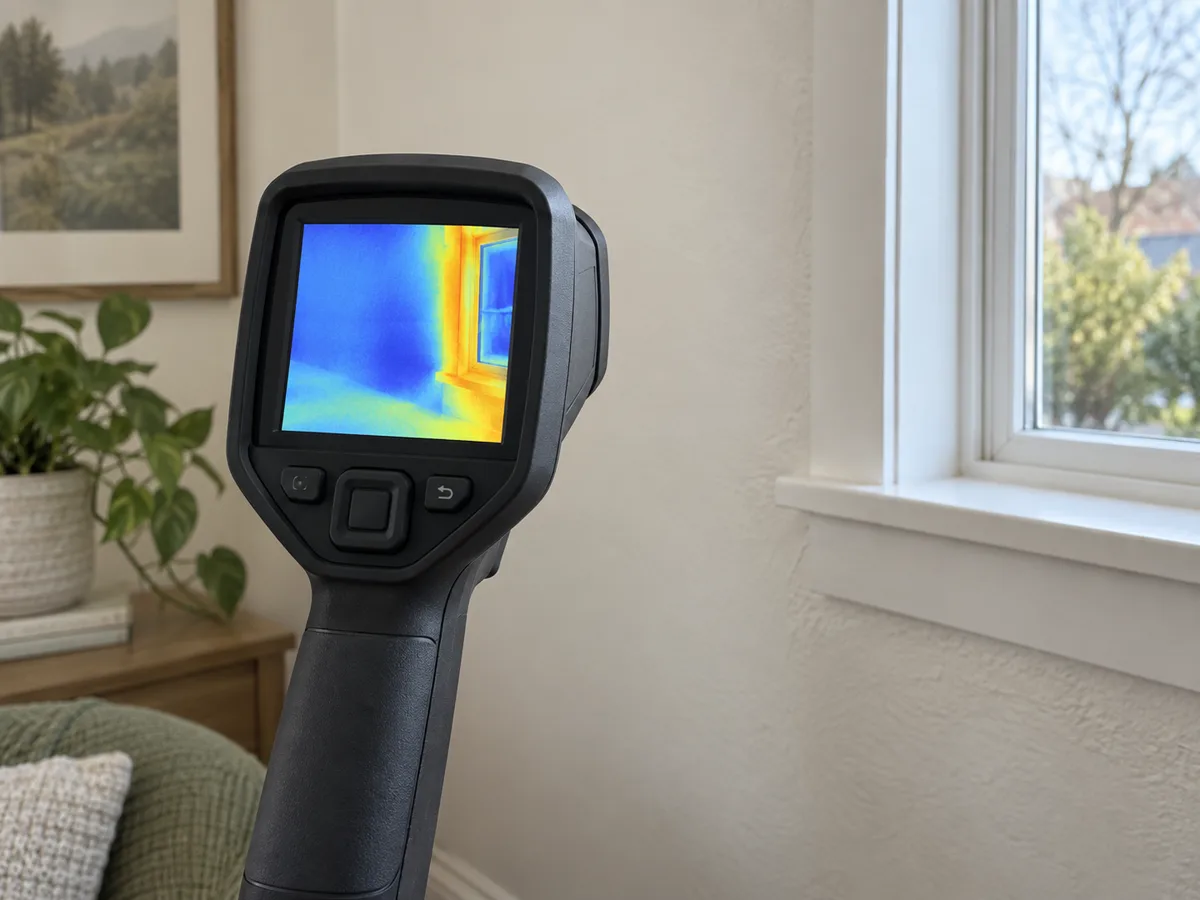
AI-generated topic illustration; do not use the depicted scale for measurements.
Put the measurements to work
Find heat losses, compare insulation and avoid trapping moisture inside a wall.
Estimate insulation savings without promising a false paybackBuild a transparent before-and-after estimate, then separate modelled transmission savings from measured whole-home bills.