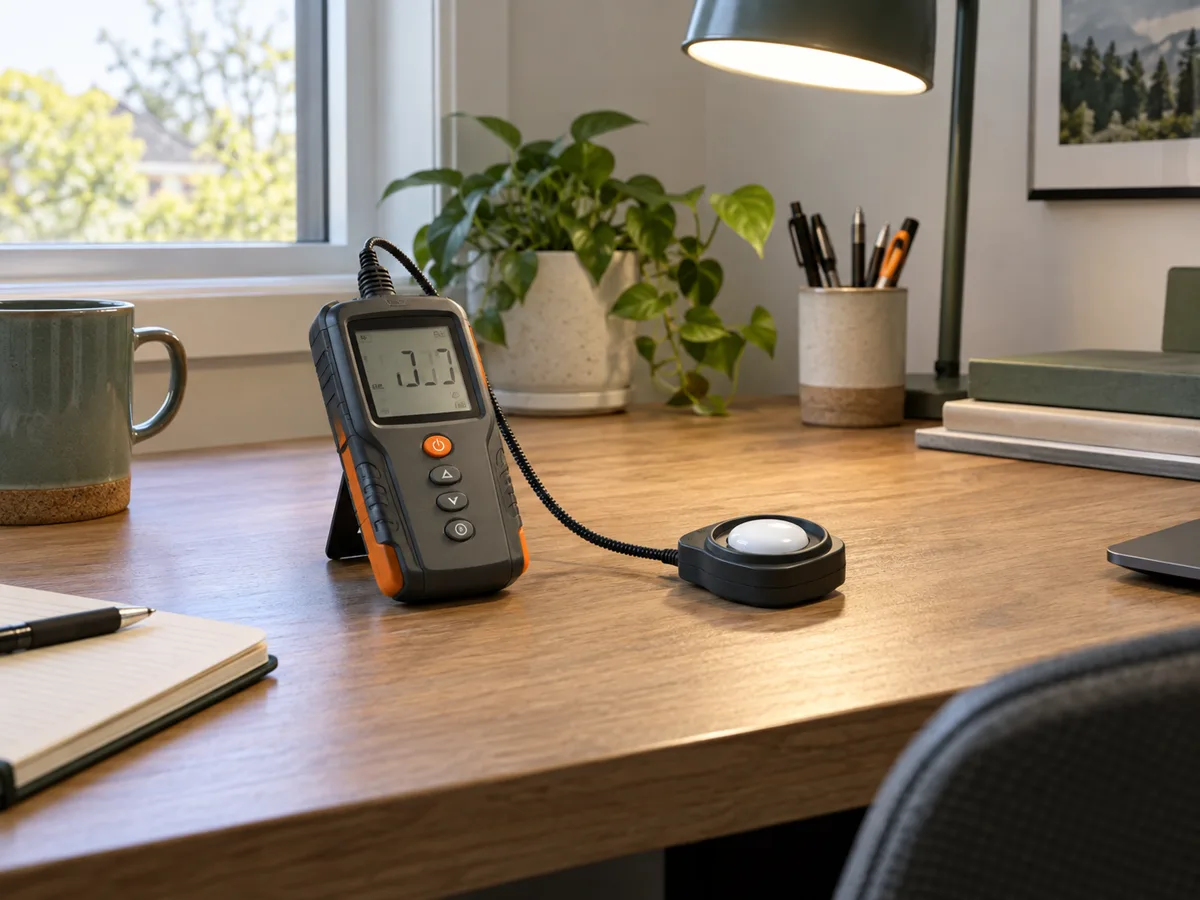
A REPEATABLE METHOD
How to use it
- Choose the task plane: desk, floor, vertical shelf or other surface that actually matters.
- Place the sensor on that plane with its diffuser unobstructed and oriented as the manufacturer specifies.
- Avoid casting a shadow with your body, then wait for the reading to settle.
- Measure a repeatable grid, including darker edges, and note which lamps and daylight conditions were present.
- Average only comparable points and compare them with the applicable local guidance for the activity.
INTERPRET THE MEASUREMENT
How to read the result
- Lux is lumens per square metre arriving at the sensor; it is not the total output printed on a lamp.
- Daylight can change within minutes, so before-and-after comparisons should use similar conditions or be repeated after dark.
- Cosine response and spectral response affect accuracy, especially with oblique light and unusual LED spectra.
TROUBLESHOOT THE METHOD
Common problems and what to check
Problem
Readings change when the meter is rotated or moved slightly.
What to do
Keep the sensing plane and height fixed, remove your shadow and use a grid rather than chasing one favorable point.
Problem
The desk average is acceptable but work still feels uncomfortable.
What to do
Check glare, screen reflections, contrast, flicker and color rendering. A lux value alone cannot diagnose visual comfort.
Problem
A phone app disagrees with the meter.
What to do
Phone sensors and diffusers vary and are often optimized for screen brightness. Use the phone for trends unless it has been compared with a suitable meter.
STOP BEFORE THE HAZARD
Safety boundary
- Do not stare into high-intensity lamps or expose skin and eyes to UV sources during a measurement.
- Isolate electrical fixtures before opening or repositioning them and use safe access for high luminaires.
- Workplace and emergency-lighting compliance requires the correct regional method, grid and calibrated equipment.
SMART BUYING GUIDE
What to look for when choosing
- For home comparisons, prioritize a separate cosine-corrected sensor, sensible low-light resolution and stable repeatability.
- Data logging is valuable for daylight studies; very high maximum range is rarely useful in an ordinary room.
- Pay for calibration documentation only when the result supports professional or compliance work.
Types of tool
Best for: Rough relative comparisons after checking consistency.
Best for: Quick room surveys and repeatable household checks.
Best for: Precise positioning, long studies and professional records.
Common functions
Lux and foot-candle unitsRange selection or auto-rangeHold, minimum and maximumTime averagingLogging and export
Worth paying more for
- A good cosine-corrected remote sensor
- Repeatability and calibration for professional work
- Logging when daylight or schedules matter
Usually not worth the extra cost
- Extreme outdoor range for normal rooms
- Decorative color screens without better sensors
- App connectivity when measurements cannot be exported usefully