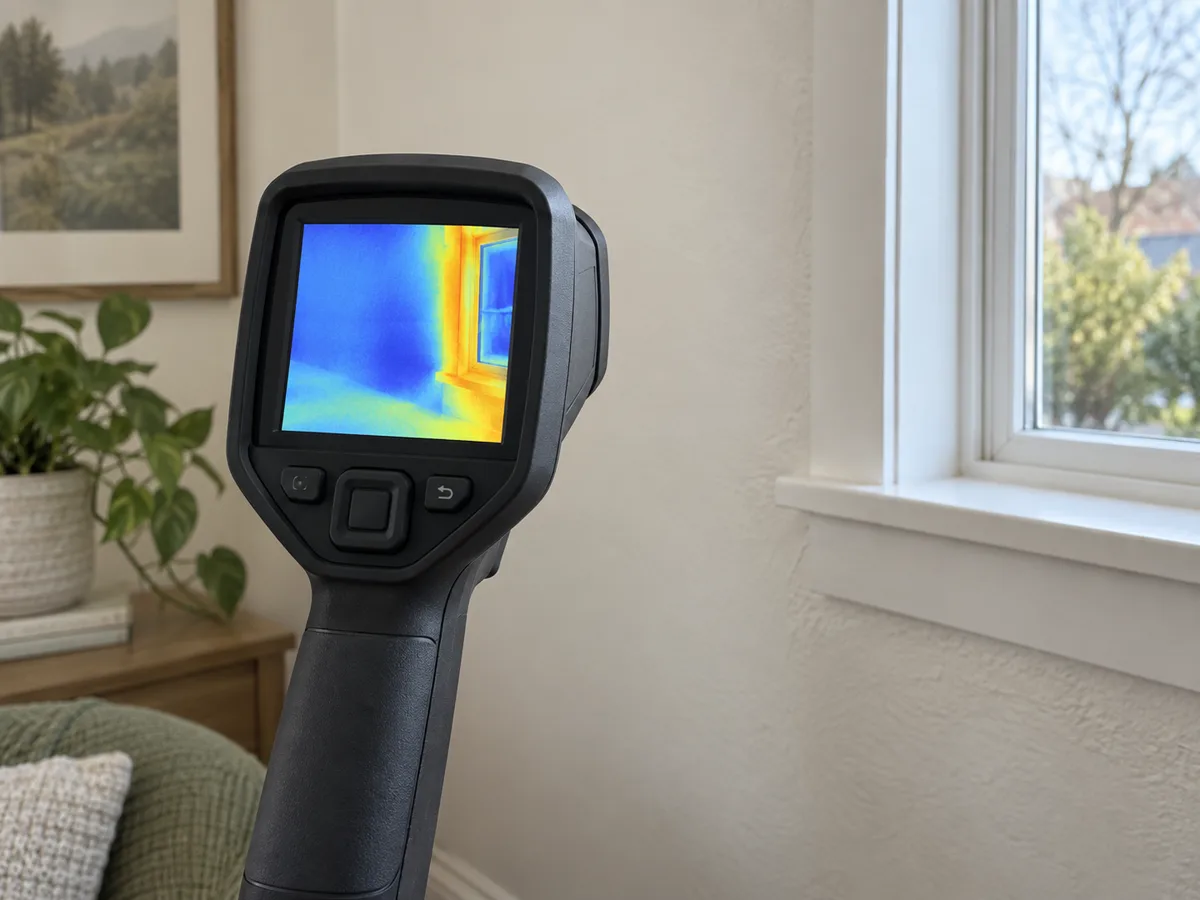
UM MÉTODO REPETÍVEL
Como usar
- Create a useful temperature difference: for envelope checks, indoor and outdoor temperatures should be stable and meaningfully different.
- Set or note emissivity and reflected-temperature assumptions; avoid shiny metal and glass when possible.
- Scan a broad area first, then compare the suspect spot with nearby surfaces built in the same way.
- Change the viewing angle. A hot or cold patch that moves with the camera may be a reflection.
- Confirm the pattern with another method such as an air-leakage check, moisture meter or direct temperature measurement.
INTERPRETAR A MEDIÇÃO
Como interpretar o resultado
- The color palette is relative to the selected scale; bright colors do not automatically mean dangerous heat.
- Surface temperature is not the same as the temperature inside a wall or pipe.
- A repeatable shape tied to construction details is more useful than one isolated pixel value.
VERIFICAR O MÉTODO
Problemas comuns e verificações
Problema
Windows and metal show the room or the operator.
O que fazer
These surfaces reflect infrared radiation. Change angle or use a nearby matte reference surface.
Problema
The whole image changes color while scanning.
O que fazer
The camera may be auto-scaling. Lock a sensible temperature span before comparing two areas.
Problema
A cold patch appears only in windy weather.
O que fazer
Suspect air leakage as well as insulation. Inspect seals and confirm under repeatable conditions.
PARAR ANTES DO PERIGO
Limite de segurança
- Keep clear of exposed electrical parts, hot surfaces and moving machinery while concentrating on the screen.
- Do not remove covers from energized equipment just to obtain an image.
- Treat a thermal anomaly as evidence for investigation, not permission to touch or dismantle equipment.
GUIA DE COMPRA INTELIGENTE
O que procurar ao escolher
- Thermal resolution and a focus system usually matter more than a very wide advertised temperature range.
- Choose adjustable emissivity, manual span control and a way to export original images with measurement data.
- A wider field of view helps in small rooms; close-focus capability helps with terminals and small components.
Tipos de instrumento
Ideal para: Occasional surveys when compact size matters.
Ideal para: Fast whole-room scans at normal distances.
Ideal para: Small details, electrical inspection and documented comparisons.
Funções comuns
Thermal sensor resolutionFocus distanceManual temperature spanAdjustable emissivityRadiometric image export
Pelo que vale a pena pagar mais
- Real detector resolution rather than enlarged display pixels
- Manual focus for terminals and small defects
- Exported images that retain temperature data
Pelo que normalmente não vale pagar mais
- Extreme high-temperature range for ordinary homes
- A large number of color palettes
- Software upscaling presented as sensor resolution